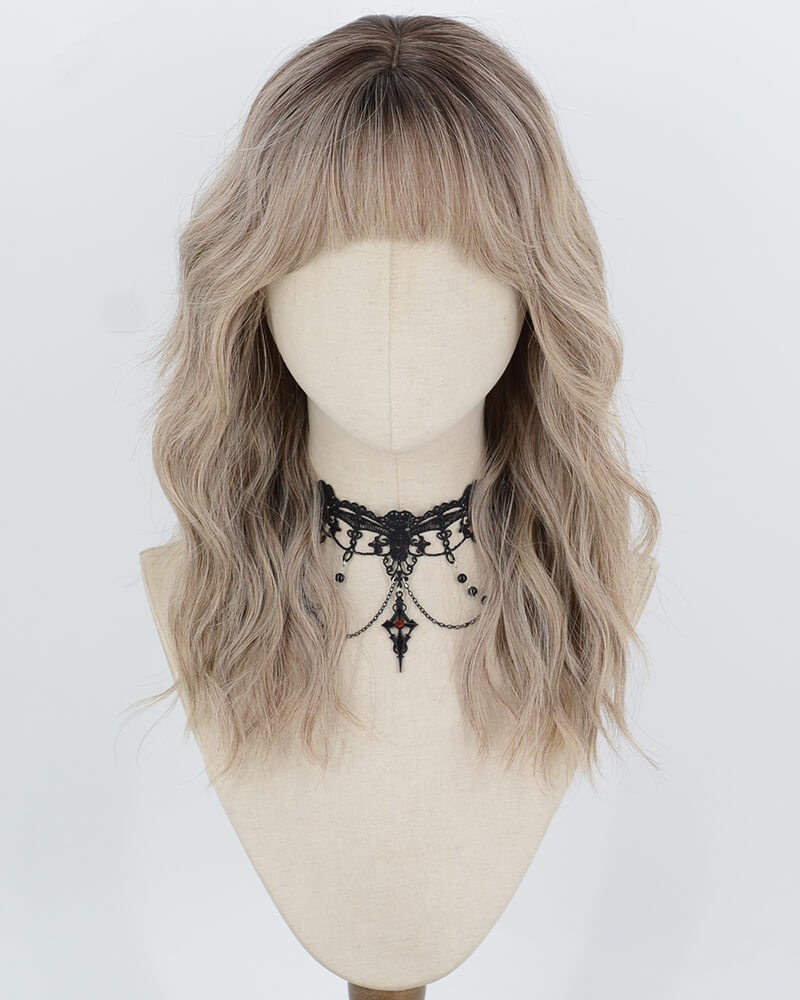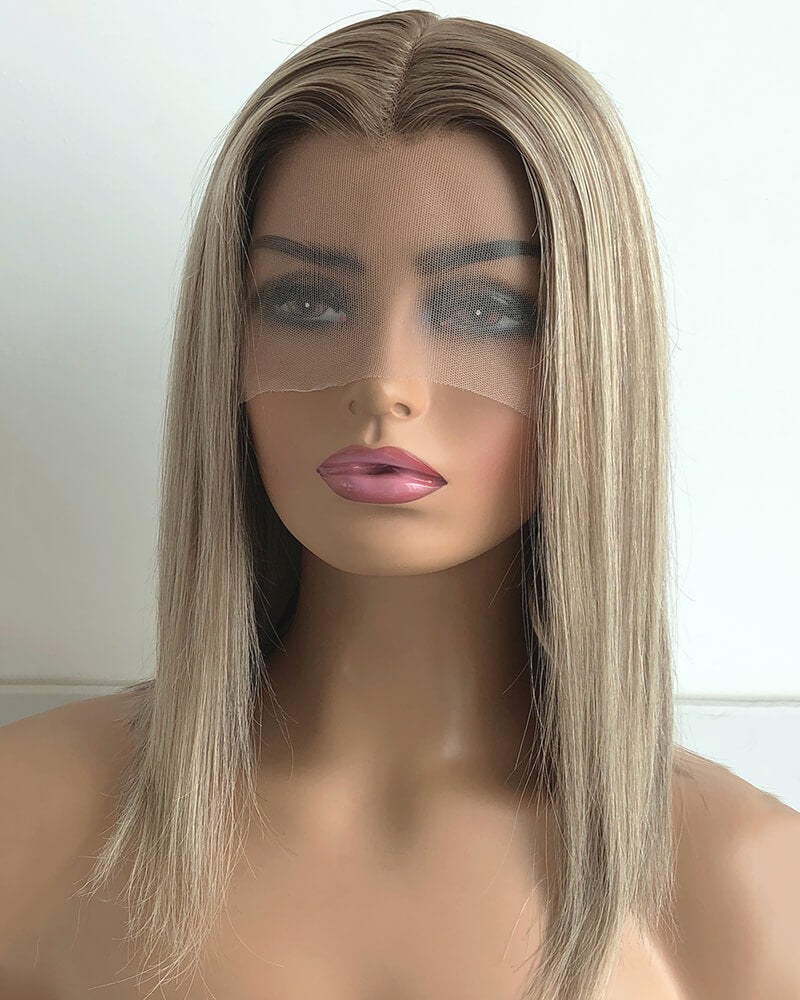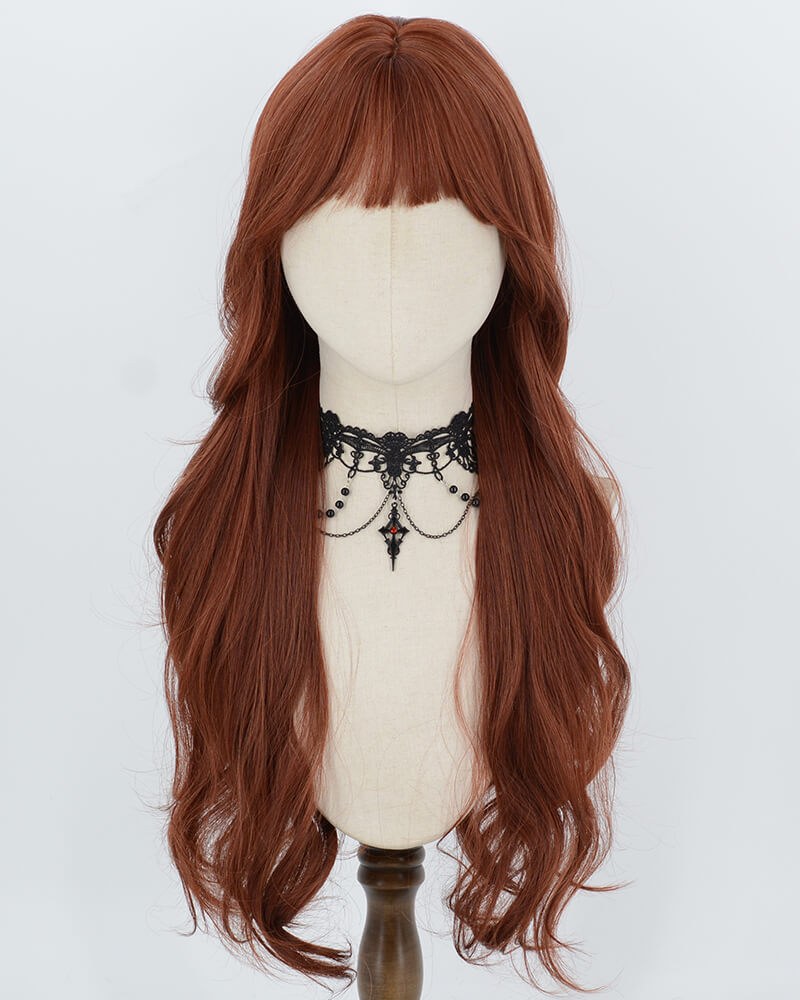
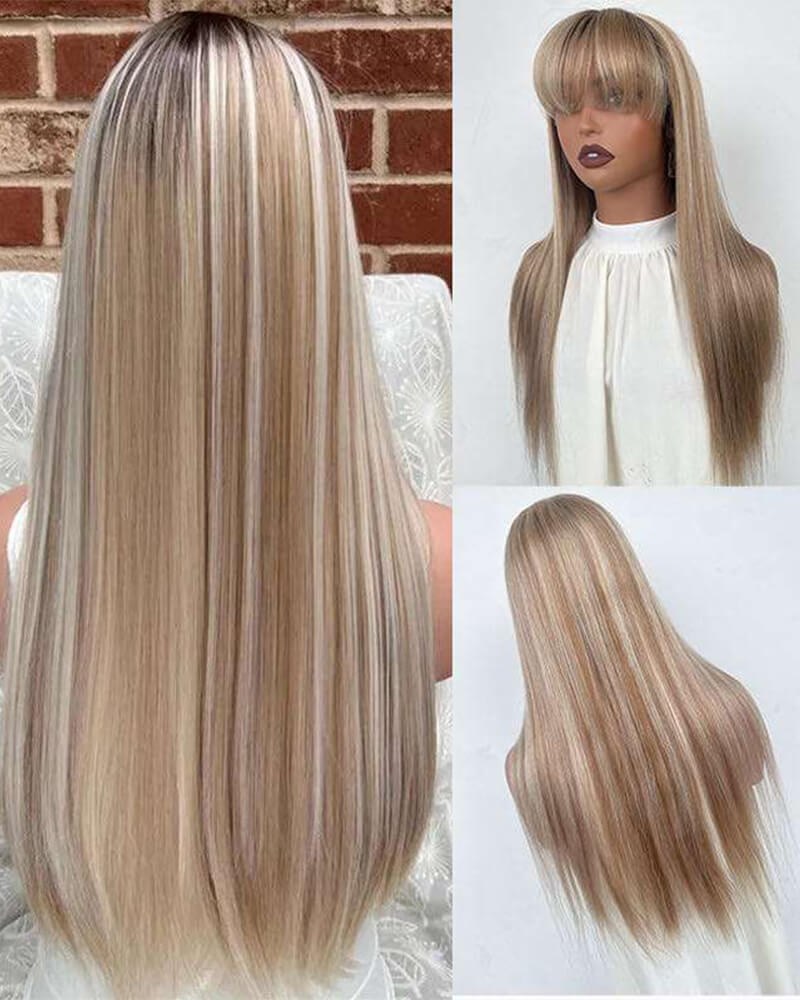
Introduction: Why accurate wig color photos matter
Whether you’re listing a wig for sale, comparing swatches, or keeping a record for styling, accurate photos of wig color remove guesswork for both you and your customers. Color can shift dramatically depending on background, lighting and processing choices. This guide focuses on practical steps—neutral backgrounds, daylight use, camera settings, and avoiding heavy filters—to help you photograph wig color more reliably.
Prepare the wig and set expectations
Start by making sure the wig is clean and styled the way you want it to be photographed. Comb or brush gently to remove tangles and distribute light-reflecting oils evenly. If the wig is synthetic, check that fibers are smoothed and not flattened by styling products. For human hair wigs, detangle and dampen slightly if you’re showing natural movement without frizz.
Decide what aspect of color you need to communicate: base tone, highlights/lowlights, root-to-tip gradient or overall warmth. That decision will influence lighting and framing choices in later steps.
Use a neutral background to prevent color contamination
Colors in the background reflect light and can subtly change how the wig looks in-camera. Choose a neutral, non-reflective background—mid-tone gray, off-white, or matte black—depending on the wig’s shade. Light wigs usually show best against mid-gray or darker neutrals; darker wigs typically pop on light gray or off-white.
Avoid patterned or bright-colored backdrops and shiny surfaces. If you don’t have a backdrop, a large piece of matte poster board or a simple fabric sheet works. Keep the background at least a couple of feet behind the wig to reduce color spill and shadowing.
Prioritize daylight but understand its variability
Natural daylight often gives the most faithful representation of color, particularly indirect north-facing light that is soft and even. Photograph near a large window on an overcast day or use a shaded area outside where light is consistent and diffuse. Direct sunlight creates strong highlights and shadows that can shift color perception.
Keep in mind daylight varies by time of day and weather. Midday sun is cooler, early morning and late afternoon light is warmer. If you must shoot across different sessions, note the time and conditions so you can match lighting closely for consistent comparisons.
Control white balance rather than relying on automatic modes
White balance controls how warm or cool an image appears. Automatic white balance (AWB) can be convenient but may misinterpret a neutral tone in the scene and shift colors. If your camera or phone lets you, set a manual white balance or use a preset that matches the light source (daylight, cloudy, shade).
An effective in-camera trick is to include a neutral gray card or white card in the first frame, then use it to set custom white balance. This gives a reference the camera can use to avoid dangerous color casts that distort the wig’s true hue.
Diffuse and position light for even coverage
Harsh direct light causes blown highlights on glossy fibers and deep shadows in textured areas, both of which alter perceived color. Diffuse your light source with a simple scrim, sheer curtain or a dedicated softbox to produce a broad, even field of light across the wig.
Place the primary light source slightly above and in front of the wig at about a 30–45 degree angle to reveal texture without flattening the color. Use a second, weaker fill light or a reflector opposite the primary light to soften shadows without changing the overall color temperature.
Keep camera and subject steady; use consistent framing
Small changes in camera angle, distance and zoom can affect how highlights and shadow fall, which changes perceived color. Use a tripod or stable surface to keep the camera steady and mark the spot where the wig stand sits so you can reproduce the same distance and angle if you photograph multiple pieces.
Take a series of shots—wide, three-quarter and close-up detail of fibers and roots. Close-ups are especially helpful for showing undertones, shine and the blending of highlights or ombrés. When photographing roots or lace fronts, keep the angle consistent to avoid misleading viewers about depth and contrast.
Avoid heavy filters and over-processing
Filters and aggressive edits can drastically change or obscure the wig’s color. Refrain from using dramatic Instagram filters, color tints, or preset looks that add warmth, coolness or contrast. These may be appealing artistically but will not reflect accurate color.
For post-processing, limit adjustments to exposure and minor contrast or clarity tweaks. If you use color correction tools, match edits to your neutral reference (gray card or white card) and check the result on multiple devices when possible. Keep the final image natural and honest.
Color-check on multiple devices and lighting conditions
Colors render differently on screens due to calibration and screen technologies. Before sharing an image, view it on a laptop, phone and tablet if available. If the wig must appear the same across platforms—for catalog listings or client approvals—note any consistent discrepancies.
Consider including a small swatch card or a neutral reference within the photo itself so buyers or viewers can make their own assessment against a known neutral. This is particularly useful when the same listing will be seen on both mobile and desktop.
Provide context: show the wig on a head or flat
Flat-lay photos are useful for showing overall color, but they can hide how light interacts with the wig when worn. Include at least one photo of the wig on a mannequin head or model under the same lighting and background so viewers see how the color behaves with contours and movement.
When photographing on a person, use consistent skin-tone references so viewers can judge contrast. Be transparent in any listing text about lighting conditions used and mention that screens and lighting may slightly alter appearance.
Workflow checklist and practical examples
Use this short checklist when you photograph a wig color:
- Prepare and detangle the wig; decide which color features to highlight.
- Select a neutral, non-reflective background and position it away from the subject.
- Use daylight (indirect) where possible; note time and weather.
- Set manual white balance or use a gray/white card reference frame.
- Diffuse light and position key and fill lights for even coverage.
- Use a tripod, keep framing consistent, and shoot multiple angles and close-ups.
- Avoid heavy filters; limit post-processing to minor exposure and color corrections based on your neutral reference.
- View images on multiple devices and include a neutral reference in final images if possible.
Example scenarios:
- Documenting a warm honey-blonde with lowlights: shoot in soft shade near a window, include a gray card, and photograph both a flat-lay for overall tone and a mannequin head for movement.
- Listing a dark brown wig with subtle auburn highlights: use mid-gray background, diffuse overhead light to reveal highlights, and take a close-up of the mid-shaft to show color blend.
Conclusion: honest images build trust
Accurate photos help you and your customers make confident decisions. By using neutral backgrounds, daylight or controlled diffusion, consistent white balance and restrained editing, you’ll minimize color surprises and present wig shades more reliably. Small investments—like a gray card, a matte backdrop and disciplined workflow—deliver big returns in clarity and trust.
If you’re sourcing inventory or need accessories to support photography—mannequin heads, neutral backdrops or care items—see our accessories collection and related categories for compatible items: accessories, lace front wigs, human hair wigs, and our regular wigs. For guidance on product care that preserves color and fiber health, consult our care resources or contact us for specifics: care and contact.
For wholesale inquiries or to confirm availability, pricing and order details, please review our wholesale information and reach out directly: wholesale. Shipping and returns policies may affect how you photograph and ship wigs—see shipping and returns for company procedures.
Photographing wig color accurately is a repeatable skill. With consistent setup and a clear, neutral reference, you’ll produce images that show color honestly and reduce uncertainty for viewers.